Guide to Rumah Belajar Kemdikbud Features for Teachers
Discover essential features of Rumah Belajar Kemdikbud and its shift to the unified platform.
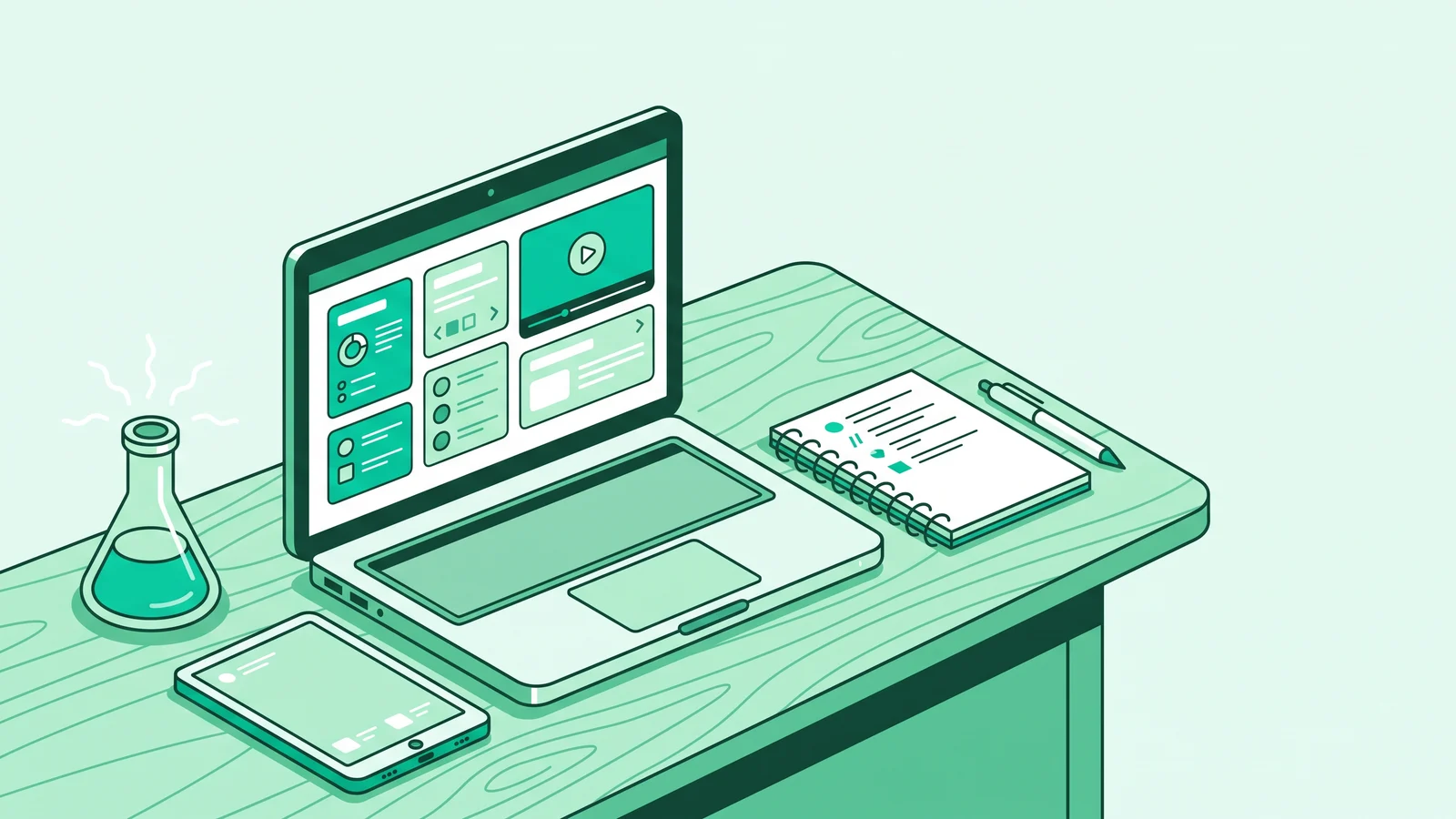
Rumah Belajar Kemdikbud is the official online learning portal originally developed by the Center for Data and Information Technology (Pusdatin) under Indonesia's Ministry of Education. The platform offers free interactive multimedia resources, virtual laboratories, assessment banks, and digital classrooms for teachers and students from early childhood through high school.
With its motto "Learn anywhere, anytime, with anyone," the service laid the foundation for national digital education long before commercial apps entered the market. For primary and secondary educators, understanding the platform's structure and evolution helps in designing teaching modules that need interactive media without subscription fees.
Understanding the Core Features of Rumah Belajar Kemdikbud
Since its launch in 2011 at belajar.kemdikbud.go.id, the portal has been more than a PDF repository. Developers divided its content architecture into core and supporting features that directly address classroom learning needs.
1. Learning Resources (Sumber Belajar)
This feature acts as a repository for multimedia teaching materials that have passed curriculum curation. The materials include instructional videos, audio recordings, narrative texts, and interactive animations. Teachers can download these contents to play them offline when the classroom internet connection is unstable.
2. Virtual Laboratory (Laboratorium Maya)
The Virtual Laboratory offers computer-based science and math experiment simulations. Students can manipulate experimental variables directly on their screens without the risk of damaging physical lab equipment or exposure to hazardous chemicals.
3. Question Bank (Bank Soal)
This section provides collections of evaluation instruments, independent exercises, and quizzes categorized by education level and topic. Educators can use it to map students' initial abilities or create daily formative assessments.
4. Digital Class (Kelas Digital)
The Digital Class is a simple Learning Management System (LMS) that helps teachers open virtual classrooms. Inside, teachers can upload study schedules, distribute independent assignments, open discussion forums, and monitor student grades alongside the organizing school.
Beyond these four main pillars, the portal enriches its ecosystem with visually appealing supporting features:
- Peta Budaya (Cultural Map): An interactive encyclopedia covering traditional customs, history, and arts from all Indonesian provinces.
- Wahana Jelajah Angkasa (Space Exploration): A solar system and celestial body observation simulator for science or geography subjects.
- Buku Sekolah Elektronik (Electronic School Books): A collection of official ministry-published textbooks available for anyone to download.
- Game Edukasi (Educational Games): Web-based interactive games that sharpen logic and subject comprehension in a fun way.
Evolution Toward the Rumah Pendidikan Ecosystem (2025-2026)
Many teachers still type the old address into their browsers and see a different layout. Entering the ministry's governance transition period from 2025 to 2026, the Ministry of Primary and Secondary Education (Kemendikdasmen) is consolidating various educational applications into a single super-portal named Rumah Pendidikan (pendidikan.go.id).
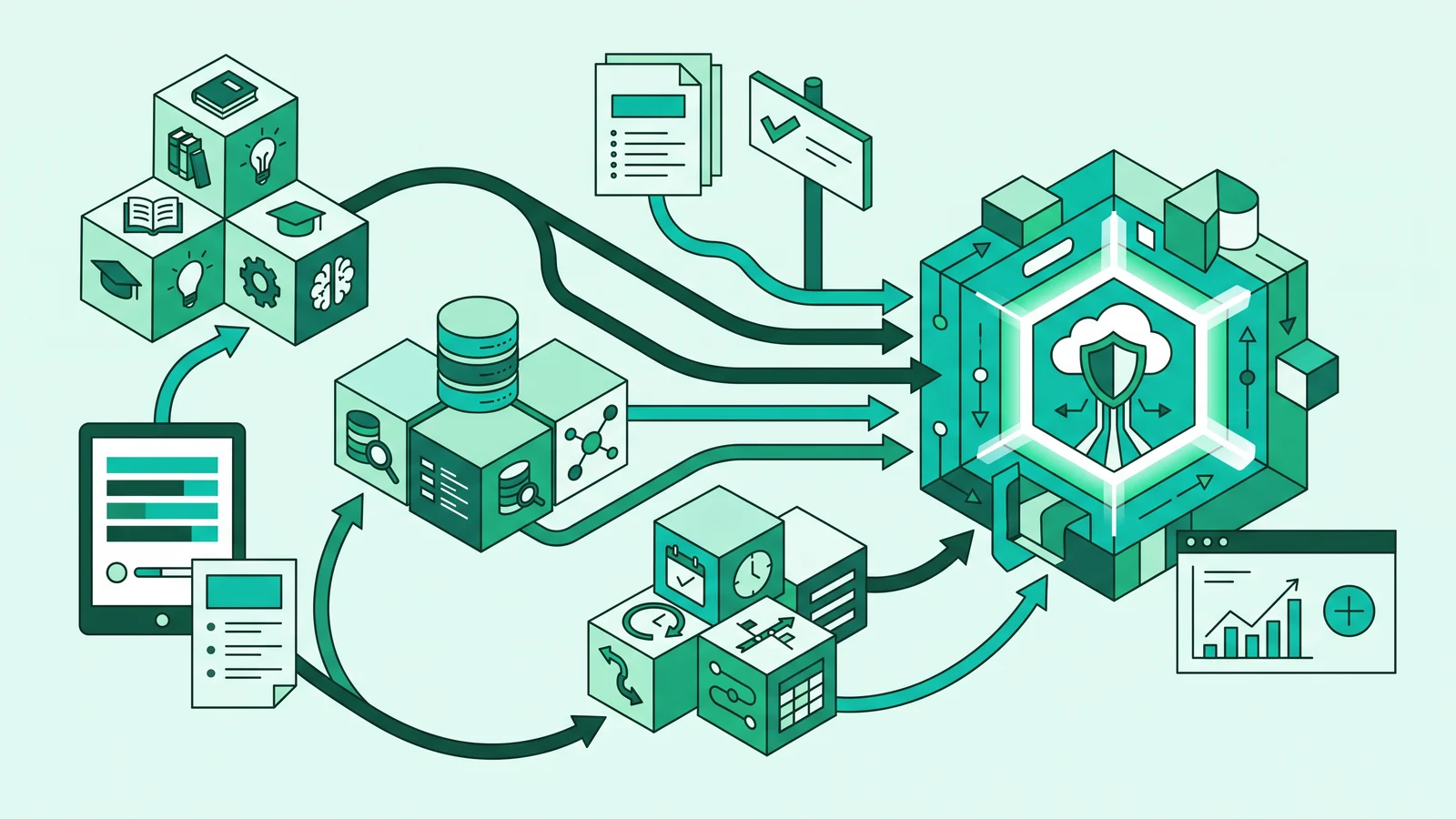
This integration brings together services that previously ran independently, from the Merdeka Mengajar Platform (PMM), Dapodik, and ARKAS, to the Rumah Belajar Kemdikbud portal. The ministry did not delete the interactive content and simulation assets from Rumah Belajar. Instead, it migrated them into the Ruang Murid (Student Space) cluster and the national teaching device repository in the Ruang GTK (Teacher Space) cluster.
If you access the old belajar.kemdikbud.go.id link, the ministry's network system usually redirects your browser straight to the unified Rumah Pendidikan page. Make sure you log in using your belajar.id credentials so that all simulation features and downloads unlock completely.
Pedagogical Foundation: Why Does This Interactive Media Matter?
Using government portals in class is not about checking off digital administration boxes. From the perspective of instructional design and pedagogy, interactive media inside Rumah Belajar solves two major school problems: limited physical teaching aids and high cognitive load on abstract materials.
Equitable Access to Science Practicums
For schools in remote or underdeveloped areas (3T), or those with limited budgets, building a science lab with electron microscopes, complete test tubes, and pure chemicals is a luxury. Without practicums, science education often gets stuck on lectures and memorizing formulas.
The Virtual Laboratory bridges this facility gap. Students in rural areas using school Chromebooks or shared devices can test the pH changes of acid-base solutions, observe chemical reaction characteristics, or adjust electrical voltage just as accurately as urban students. Teachers and students can still meet inquiry-based science learning outcomes without being hindered by a lack of physical equipment.
Reducing Cognitive Load (John Sweller's Theory)
In Cognitive Load Theory introduced by John Sweller, human working memory has a limited capacity when processing new information. When teachers explain microscopic or abstract concepts like chemical bonds and solar system orbital paths using only text on a whiteboard, the students' intrinsic cognitive load spikes.
Simulation and animation modules in the Learning Resources break down this cognitive load into dynamic visual representations. Students do not have to imagine from scratch how electricity flows when resistance increases. They instantly see graphs and animated current movements on the screen, allowing their working memory to focus on analyzing cause-and-effect relationships. This visual-kinesthetic approach aligns with evidence-based study methods that prioritize meaningful information processing.
Supporting the Deep Learning Paradigm
Current national education policy emphasizes the Deep Learning approach through three main pillars: Mindful Learning, Meaningful Learning, and Joyful Learning. Media inside the Rumah Belajar Kemdikbud portal supports moving student activities away from simply memorizing facts toward analyzing and creating on Bloom's Taxonomy.
When students experiment in Space Exploration or the Virtual Laboratory, they experience the constructivist process outlined by Lev Vygotsky. The teacher acts as a facilitator providing scaffolding, while students build their own conceptual understanding through direct interaction with the simulator.
Application Strategies in the Merdeka Curriculum Classroom
Even the best media will fail to improve learning if a teacher just plays it passively at the front of the class. Here are three integration scenarios to add Rumah Belajar features into your daily lesson designs.
1. Inquiry and Discovery Learning Syntax with Virtual Labs
For middle and high school science or physics subjects, you can combine the Virtual Laboratory with Discovery Learning and Inquiry stages for class. Take Ohm's Law as an example, which tests the relationship between voltage, current, and electrical resistance.
Stimulation and Problem Orientation
The teacher presents a contextual phenomenon in class, such as why a lamp dims when the resistance value in a circuit changes. The teacher sparks critical questions from this phenomenon without giving the formula first.
Independent Exploration in the Virtual Laboratory
Students divide into small groups using Chromebooks or school computers, then open the Ohm's Law simulation in the Virtual Laboratory feature. Students manipulate voltage (Volt) and resistance (Ohm) variables directly on the screen control panel.
Data Collection and Analysis on Worksheets
Students record every change in current (Ampere) that appears in real-time on the screen into an authentic student worksheet. They compile comparison tables and observe mathematical patterns without worrying about breaking lab equipment.
Concept Construction and Verification
Student groups discuss and present their findings. Guided by the teacher, students formulate the conclusion that current is directly proportional to voltage and inversely proportional to resistance (I = V ÷ R), then cross-check it with references in the Electronic School Books.
2. Differentiated Learning (Content and Process)
In one class, student readiness levels and learning modalities always vary. The Rumah Belajar ecosystem makes it easy for teachers to set up differentiated learning stations without having to create three types of media from scratch:
- Visual-Auditory Group: Students who process information faster through story narration and moving illustrations access animated video modules in the Learning Resources menu.
- Explorative-Kinesthetic Group: Students who need direct interaction run simulations in the Virtual Laboratory or explore the Space Exploration simulator. You can combine this activity with kinesthetic learning methods to channel their focus into observation activities.
- Core Concept Reinforcement Group: Students who need quieter, structured reading time review material summaries and glossaries in the Electronic School Books (BSE).
3. Diagnostic and Formative Assessment via Question Bank
Before starting a new teaching module, teachers need baseline data on student abilities. You can download curated evaluation instruments from the Question Bank feature that align with the required Learning Outcomes. The quiz results immediately serve as the basis for mapping study groups in the next meeting, saving teachers time when preparing evaluation questions.
Common Portal Usage Mistakes in Schools and Their Solutions
In everyday classroom practice, technical and pedagogical traps often make the portal less impactful for students.
1. Treating the Portal as a Passive Video Player
Educators sometimes open the Learning Resources feature, play a video through a projector, and leave students to watch in silence from start to finish. This method keeps the class passive because it merely shifts the lecture role from the teacher to the projector screen.
Solution: Apply the Flipped Classroom model by assigning students to watch the video at home before the class meeting. If you must play it in class, use the Stop-Pause-Reflect method: stop the video periodically, ask reflective questions to prompt student discussion, and only then resume playback.
2. Ignoring Concrete Objects for Simple Materials
Out of enthusiasm for digital media, some teachers immediately use the Virtual Laboratory for all topics, including subjects where real objects are easily found around the school.
Solution: Use real objects in the surrounding environment first as a contextual approach. Use the Virtual Laboratory specifically for phenomena that are abstract, dangerous, microscopic in scale, or where the physical props are simply unavailable at school.
3. Login Failures from Using Personal Emails
When trying to access evaluation tools or sync activities in the new integrated ecosystem, users often fail to log in because they try to register manually with a standard email and ignore their official account.
Solution: Always log in through the Single Sign-On (SSO) system using the teacher or student's belajar.id account. These credentials immediately grant verified access linked to Dapodik data and simplify analytics on student competency achievement.
4. Digital Activities Disconnected from Learning Objectives
Assigning students to complete exercises or try simulations on the portal without clear assessment indicators will cause the study session to lose direction.
Solution: Link every activity or quiz on the portal with the Learning Objectives and authentic assessment rubrics in the Merdeka Curriculum Teaching Module. Make sure students understand what they must observe, record, and conclude after interacting with the media.
Prepare a backup plan in case the classroom internet connection suddenly slows down. Download video materials from the Learning Resources menu or exercise packages before the lesson begins so that learning activities do not stop due to network issues.
Frequently Asked Questions (FAQ)
Rumah Belajar Kemdikbud is an official government-owned online learning portal offering material videos, practicum simulations, question banks, and electronic books for levels ranging from early childhood to high school. All services and content inside are 100% free with no subscription fees.
As the Ministry of Primary and Secondary Education reorganizes and integrates educational applications in 2025-2026, the old domain belajar.kemdikbud.go.id has merged into the Rumah Pendidikan super-portal (pendidikan.go.id), specifically in the Ruang Murid and Ruang GTK clusters. Visitors accessing the old address will be automatically redirected to the unified platform.
Teachers and students simply click the Login button on the official portal, then enter their belajar.id account email address and password. This single account unites access to all digital ministry services without needing to register a new account for every application.
Since its inception, Rumah Belajar focused on being a medium for student learning content and practicum simulations via the Virtual Laboratory. Meanwhile, PMM initially focused on independent training, teaching devices, and teacher performance administration. Today, both are integrated under the single roof of the Rumah Pendidikan digital ecosystem.