Mastering Cloudflare Workers for Modern Serverless Edge
Explore Cloudflare Workers architecture, V8 Isolates, and edge serverless pricing models.

Cloudflare Workers is an edge-based serverless computing platform that runs JavaScript, TypeScript, and WebAssembly code directly across hundreds of Cloudflare's global Points of Presence (PoPs). Powered by the V8 Isolates engine and the workerd runtime, this platform cuts cold start times to under 5 milliseconds without the overhead of containers or virtual machines.
When building web applications, server latency is often a major complaint. Placing a single centralized server in Singapore or Jakarta is sometimes not fast enough when users connect from unstable mobile networks in various regions. Running backend logic directly at the network node closest to the user changes how we design modern edge serverless backend architecture.
This article explains how the V8 Isolates architecture works, the actual cost calculations between active CPU time and I/O wait time, and practical steps to build an AI inference service at the edge using TypeScript.
Why Cloudflare Workers Architecture Differs from Traditional Serverless
First-generation serverless services like AWS Lambda work by spinning up micro-containers or virtual machines (VMs) every time a request comes in. When a function sits idle, the provider shuts down the container. When a new request arrives, the server needs tens to hundreds of milliseconds to prepare the execution environment again. We know this phenomenon as a cold start.
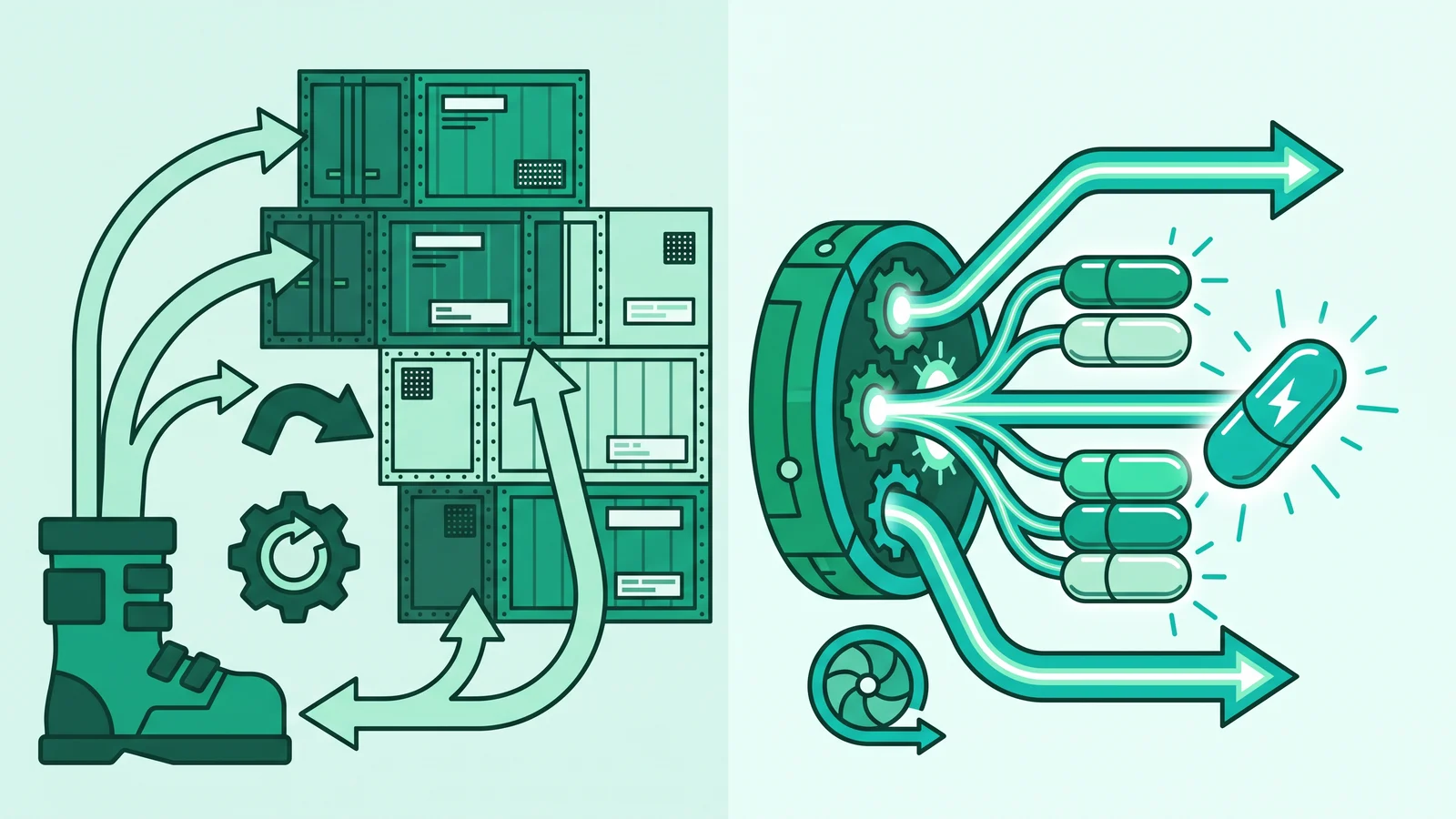
Cloudflare takes a different engineering approach. Instead of booting up an operating system container for every function, Cloudflare Workers uses V8 Isolates through an open-source runtime called workerd.
V8 is the same JavaScript engine that runs inside the Google Chrome browser. A single V8 runtime process can run thousands of isolates simultaneously. Each isolate has a fully isolated execution context and memory space, but they all share the underlying engine that is already running in memory.
This approach provides three clear advantages in production environments:
- Near-zero cold starts: Initializing a new isolate takes less than 5 milliseconds.
- Highly efficient memory consumption: There is no duplication of the operating system or a full Node.js runtime for every function instance.
- Automatic regionless deployment: You do not need to select a specific server region. The code automatically deploys across Cloudflare's global network nodes and runs at the physical location closest to the user.
Web API Standards and WinterCG Interoperability
Many developers are surprised when they import built-in Node.js modules like fs or child_process inside a Worker and find their code fails to run. This happens because the workerd runtime is not built on top of the conventional Node.js internal architecture.
Instead, the platform follows specifications from the Web-interoperable Runtimes Community Group (WinterCG). You write backend code using the exact same pure Web API standards as modern browsers: fetch, Request, Response, TransformStream, and Crypto.
This web standard approach frees your code from vendor lock-in. Business logic written to WinterCG standards can be tested locally in workerd, moved to other edge ecosystems, or integrated directly into modern backend architecture and Nuxt integration.
If you still need standard Node.js libraries like node:crypto or node:buffer, enable the nodejs_compat flag in your Wrangler configuration file. The Worker bundle size limit now reaches 64 MiB (uncompressed) across all plans (Free and Paid), giving you the freedom to include larger modern dependencies.
Cloudflare Workers Pricing Breakdown: Free vs Paid Plans
Understanding the Cloudflare Workers pricing scheme thoroughly will save your monthly bill and prevent your application from suddenly stopping when traffic spikes. The real secret to cost savings lies in how Cloudflare separates network wait time from processor work time.
Here is a comparison of quotas and technical limits between the Cloudflare Workers Free plan and the Paid plan:
I/O-Bound vs CPU-Bound Economics (CPU-Time Billing Mechanism)
On conventional serverless platforms, providers charge based on wall-clock time (the total duration from when the function starts running until it finishes). If your function calls a slow third-party API for 4 seconds, you still pay in full for that 4-second wait time.
Cloudflare removes this inefficiency by charging based on pure CPU-time (active compute). Input/Output (I/O) wait time when a Worker waits for a fetch() reply from the origin server, reads data from Workers KV, or runs an SQL query to a D1 database does not incur CPU-time charges.
This difference creates interesting economics for software architects:
- I/O-Bound Scenarios (Highly Cost-Effective): If the Worker acts as an API Gateway or reverse proxy that forwards requests upstream and waits for a response, its actual CPU usage is very small. With the $5 per month Paid plan, you can handle millions of requests at minimal cost because upstream response wait time is free.
- CPU-Bound Scenarios (Requires Attention): Conversely, if the Worker performs image manipulation, heavy cryptography, or massive JSON serialization, the processor will work hard. Operations like this easily hit the 10-millisecond limit on the Free plan or spike the CPU-millisecond bill on the Paid plan.
Understanding Cloudflare Workers AI and Binding Security
Running artificial intelligence models usually requires renting expensive GPU servers or subscribing to external APIs located far from users. Through Cloudflare Workers AI, Cloudflare provides model inference access directly on their edge network.
The billing model for this service is calculated in units called Neurons. Every account gets a free quota of 10,000 neurons per day. If usage exceeds that daily limit, the overage costs about $0.011 per 1,000 neurons.
When Do You Need a Cloudflare Workers AI API Key?
One common point of confusion for developers is how to connect Worker code with AI models. Many look for a menu to create a Cloudflare Workers AI API key in the dashboard, then save it in a .env file just like calling an external API.
Cloudflare applies a capabilities-based security architecture called Bindings. This works in two scenarios:
- Internal Access from Inside a Worker (No API Key): If the code runs inside a Worker, you do not need an external API key. You simply declare an AI Binding in the Wrangler configuration. The inference model is accessed directly via
env.AI.run(). This architecture eliminates the risk of token leaks in the CI/CD pipeline because we do not need to manage secret rotation. - External Access from Outside Cloudflare (API Key Required): You only need a Cloudflare Workers AI API key (a Cloudflare API Token with
Account > Workers AI > Readpermissions) when calling AI models from outside the Workers environment. Examples include accessing models from an Express backend on a VPS, a Flutter app, or a Python automation script paired with an AI Gateway.
Practical Steps to Build an Edge Streaming AI API
Let us apply the concepts above to a real project. We will create a TypeScript API endpoint that accepts a text prompt and returns a streaming response from an open-source LLM (LLaMA) directly from the edge.
Initialize a TypeScript Project with Wrangler
Open your terminal and run the official Cloudflare CLI command to create a new project named edge-ai-worker using TypeScript:

This command sets up the project structure and Wrangler configuration for local development and deployment.
Configure AI Binding in wrangler.jsonc
Open the wrangler.jsonc (or wrangler.toml) file in the project root directory. Add the ai configuration so the Worker has access to Cloudflare's edge GPUs without needing an API token:

The "binding": "AI" property instructs the runtime to inject the Workers AI interface into the env.AI object.
Write the Streaming AI Implementation Code
Open the src/index.ts file and copy the following code. We call the @cf/meta/llama-3.2-3b-instruct model with the stream: true option so the response is sent gradually via an event-stream:

Testing and Deployment to the Edge Network
You can test the Worker locally by running npx wrangler dev or publish it directly to Cloudflare's global network using the command:
Once the process is complete, Wrangler will provide a public URL ready to accept JSON-formatted POST requests.
External Call Example Using the OpenAI SDK
If you call Cloudflare Workers AI from an external web application or a Node.js backend outside a Worker, use the AI Gateway endpoint that is compatible with the OpenAI SDK format. In this scenario, you use an API token with Account > Workers AI > Read permissions:
For those designing a fast and scalable modern webshop development architecture, this external integration pattern makes it easy to add smart assistant features without having to move the entire main backend to the edge ecosystem.
Four Common Developer Mistakes When Migrating to the Edge
Moving from traditional servers to a V8 Isolates environment requires a mindset adjustment. Here are four of the most common technical mistakes and how to avoid them.
1. Equating Wall-Clock Time with CPU-Time on the Free Plan
Many developers think heavy cryptographic operations, data compression, or parsing large JSON files will run smoothly on the Cloudflare Workers Free plan as long as the total time is short.
The Free plan quota only provides 10 milliseconds of active CPU time. If your code requires more processor computation than that, the execution will stop because it crosses the limit (CPU limit exceeded). Move heavy computation to the Paid plan or delegate CPU-bound logic to a dedicated service outside the Worker.
2. Relying on Global Memory for Data Persistence
Storing user sessions in global variables like let cache = {} outside the main function is a classic trap when migrating from Node.js.
V8 Isolates are ephemeral and spread across hundreds of data centers worldwide. Global variables in memory can disappear at any time and never synchronize between servers.
Use the right storage services for data persistence at the edge:
- Workers KV: For key-value storage with eventual consistency.
- Cloudflare D1: For SQL-based relational databases.
- Durable Objects: For state management with strongly consistent state and WebSocket coordination.
3. Hardcoding Model Names in Workers AI
Cloudflare routinely updates its AI model catalog and retires older versions. Writing model names directly in the code without error handling risks causing an Error 500 when that model is deprecated. Prepare a fallback layer inside a try/catch block and check the model catalog regularly.
4. Assuming Full Node.js Compatibility
Importing libraries that depend on operating system modules or native C++ binaries (like fs, child_process, or net) will fail the Worker compilation. Enable the nodejs_compat flag in the Wrangler configuration for standard modules like node:crypto and node:buffer, and prioritize modern libraries built on pure Web API and ESM standards.
Frequently Asked Questions (FAQ)
Yes, it is free for small-scale needs up to 100,000 requests per day. However, the Free plan enforces a hard stop (Error 1027) when the daily quota runs out until it resets at 00:00 UTC. For commercial applications, we recommend switching to the Paid plan ($5 per month) so traffic remains served through a pay-as-you-go overage scheme.
An API Key (Cloudflare API Token) is only needed if you call a Cloudflare AI model endpoint from outside the Cloudflare Workers environment, such as from an Express backend, a Flutter app, or a Python script. If the code runs inside a Worker, access simply uses an AI Binding (env.AI) without an API key.
AWS Lambda executes code inside containers or micro-VMs in specific data center regions with cold start times of tens to hundreds of milliseconds. Cloudflare Workers runs on V8 Isolates that automatically distribute across hundreds of global edge nodes without region configuration, with cold start times under 5 milliseconds.
Memory is limited to 128 MB per isolate. The active processor time limit (CPU-time) is 10 milliseconds per execution on the Free plan, and up to 30 seconds by default on the Paid plan.