PUBLISHED DATE2026-10-18
READING TIME2 Min
CATEGORYSoftware
Jelajah: A Fast File Explorer for Windows
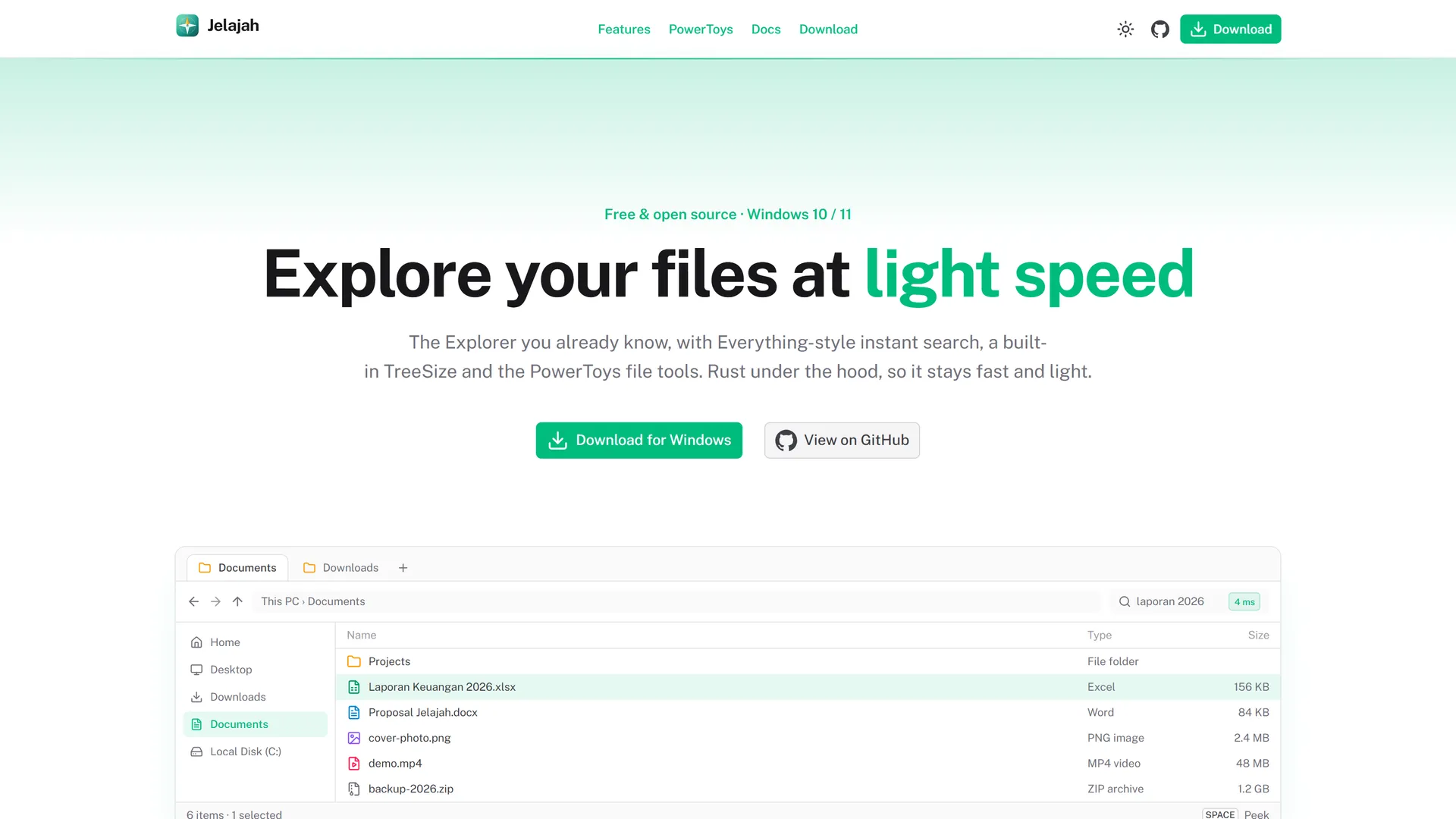
A lightweight file explorer that feels like the built-in Windows Explorer, plus instant search, PowerToys file tools, and a TreeSize-style disk analyser.
#tauri #rust #nuxt #nuxt-ui #windows #open-source
One Window for the Work of Three Apps
Windows users who care about their files usually install a few extras: Everything for search, PowerToys for batch renaming and previews, and TreeSize to find out where the disk space went. Daily work ends up bouncing between four windows.
Jelajah (Indonesian for explore) puts it all in one. It looks and behaves like explorer.exe, so there's nothing new to learn, with those tools already built in.
Key Features
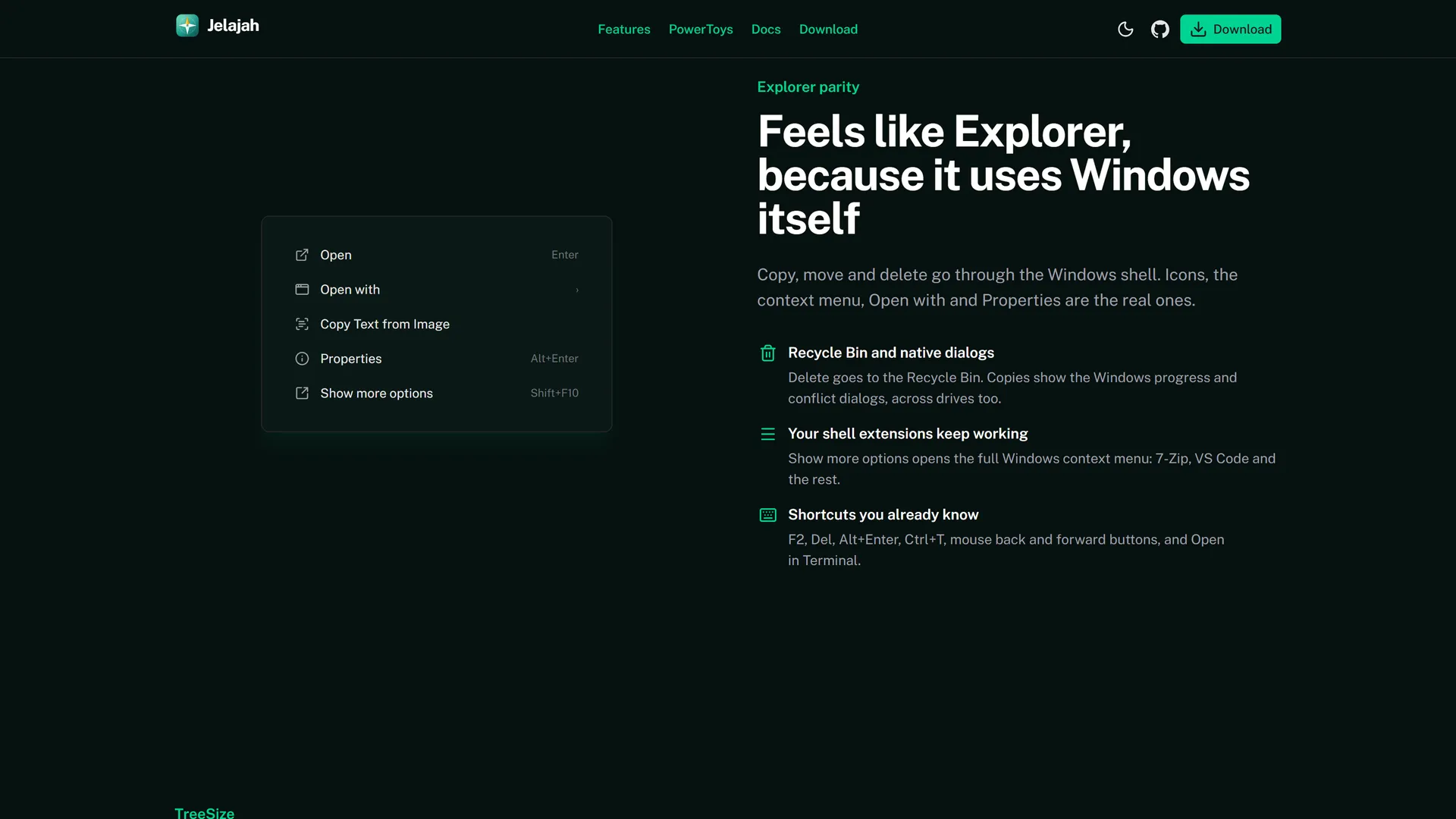
Feels like the built-in Explorer
- Tabs, dual pane (F6), a navigation pane, and details and preview panes.
- Delete sends files to the Recycle Bin, while copy and move use the Windows shell with its native progress and conflict dialogs.
- Real Windows file icons, the genuine Properties dialog, the full Explorer context menu, and familiar shortcuts such as F2, F5, and Ctrl+T.
Instant search
- A filename index across every drive. The README records searches over 2.7 million names in roughly 0.2 to 10 milliseconds, with the index updating as files change.
- An optional Fast Index mode reads the NTFS MFT the way Everything does, through a separate helper, so the main app never runs as admin.
- File contents search powered by tgrep's trigram index.
PowerToys file tools
- Peek (Space) previews code, images, Markdown, PDF, video, and audio.
- PowerRename, Image Resizer, File Locksmith, New+ templates, Text Extractor (Windows OCR), Command Palette, and Paste as File.
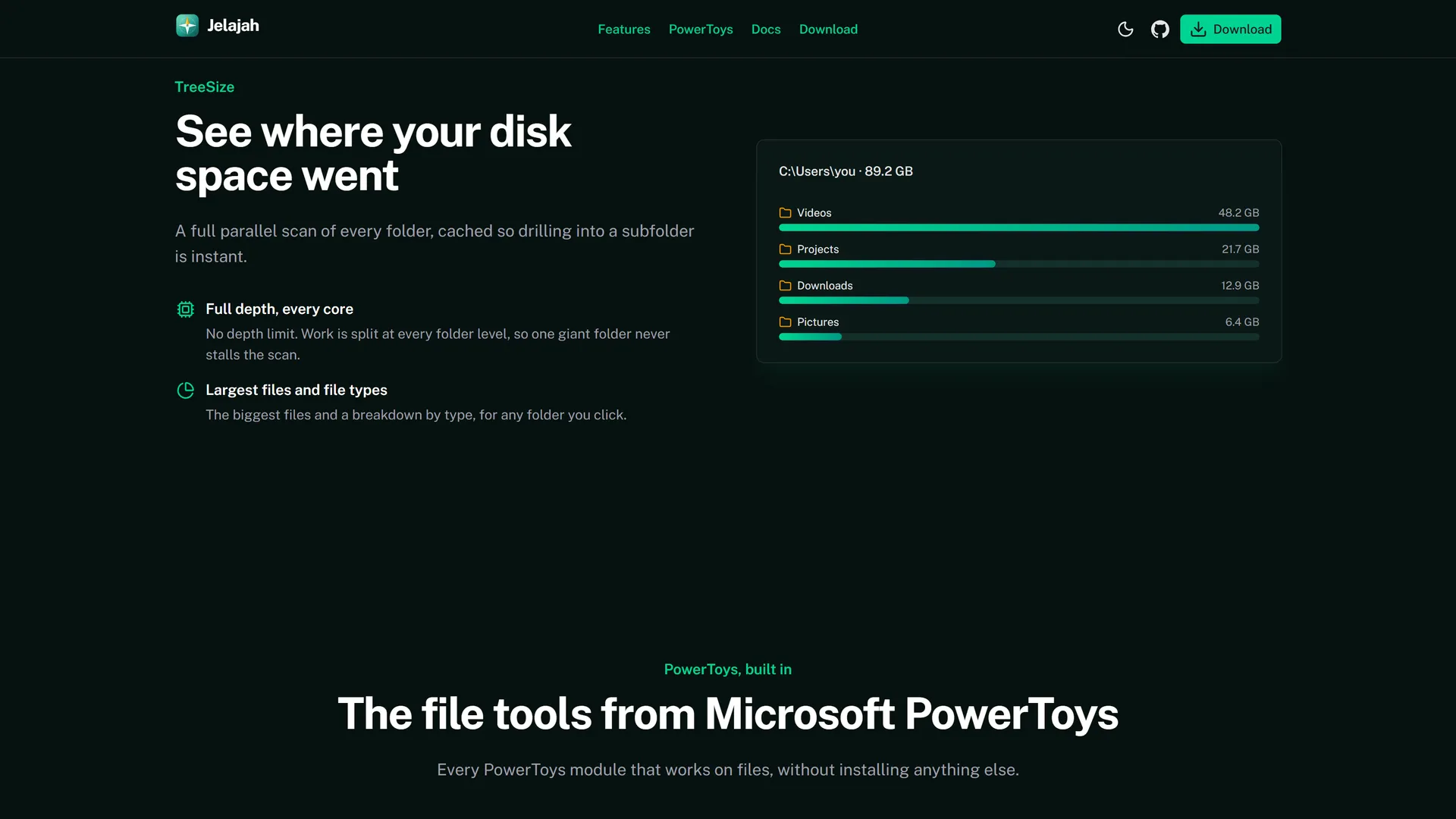
TreeSize-style disk analysis
- A full-depth parallel scan, size by file type, and a list of the largest files. Results stay in memory, so any subfolder opens instantly.
Technology
Rust handles all file work through Tauri 2. Nuxt 4 and Nuxt UI only render the interface.