Guru Kampung: Everyday Tools for Primary Teachers
A set of 32 browser-based tools for running a class, grading, printing A4 and F4 worksheets, and showing interactive teaching aids on a projector.
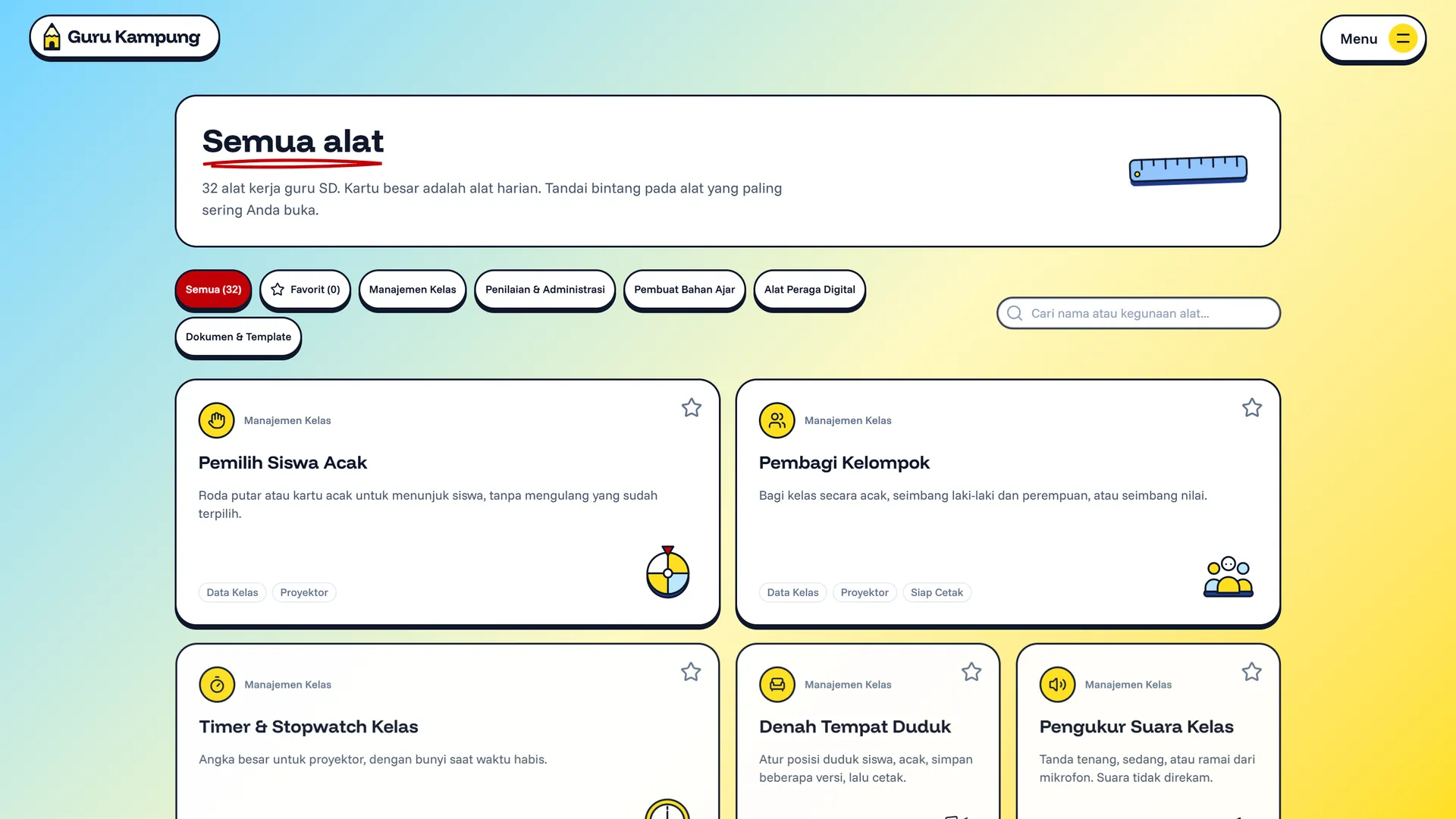
A Teacher's Desk, Moved to the Browser
A primary teacher's work doesn't end at the whiteboard. Attendance needs tallying, report grades need calculating, worksheets need printing, and teaching aids need preparing. All of it usually lives across notebooks, spreadsheets, and a handful of separate websites.
Guru Kampung (formerly Peragu) brings those tools together. Open the browser, pick a tool, and get to work.
32 Tools in Five Groups
- Classroom management: random student picker, group maker, timer and stopwatch, seating chart, classroom noise meter, duty roster, and points board.
- Grading and admin: report grade calculator, attendance summary, score-to-grade converter, mastery calculator, report comment generator, and item analysis.
- Teaching material makers: illustrated worksheets, maths worksheets, handwriting practice, word search, multiple-choice quiz, crossword, flashcards, and education bingo. Everything prints on A4 or F4 (folio) paper.
- Digital teaching aids: dice and spinner, interactive analogue clock, multiplication table, fraction visualiser, number line, rupiah money simulator, and a digital whiteboard for the projector.
- Documents and templates: certificates, student labels, circular letters, and teaching modules.
Guru Kampung also ships practical tutorials, such as turning learning outcomes into a learning-objective flow, writing learning objectives, building assessment rubrics, and sample report comments.
Class, student, grade, and attendance data stay on the teacher's device (IndexedDB) and are never sent to a server.
Technology
Guru Kampung is built with Nuxt 4, Nuxt UI 4, and Nuxt Content for the tutorials and blog, with Vitest for testing. Its look borrows from a teacher's desk: yellow pencils, rulers, dice, and red correction ink.